Edit the Special Collections CSS stylesheet
- The style and appearance of the Special Collections
page template (as seen on the current page) is largely
controlled by a CSS stylesheet. By editing the
stylesheet, you can change the appearance of:
- fonts
- font sizes
- border colors and styles
- background colors
- heading styles
- hyperlink styles
- etc.
- To edit the stylesheet, open "main.css" in the "stylesheets"
folder on toto.lib.unca.edu.
- The style definitions are grouped and labeled
according to the parts of the web page they control.
Find the style definition you wish to modify and adjust
the definition.
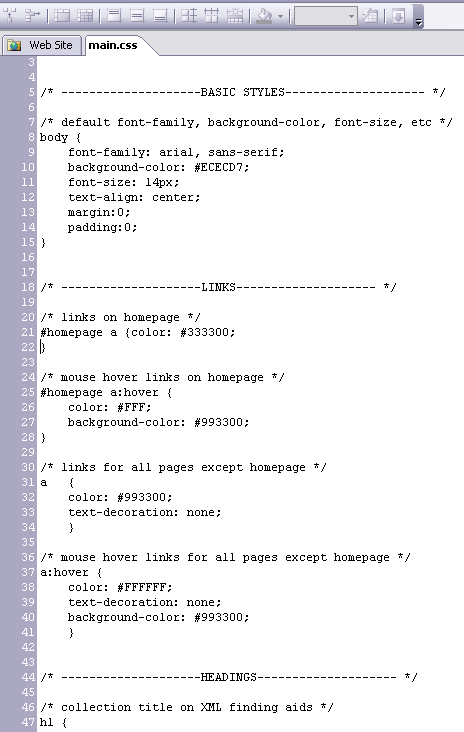
- More information about the various CSS style
definitions can be found at
http://www.w3schools.com/css/default.asp.